
Download ReAd 21 – Reading Improvement, Reading Speed, Reading Comprehension, Block Reading, Peripheral Vision, Visual Skills, Reading Exercises, Reading Efficiency
Overview
ReAd 21 is a mobile application designed to enhance reading proficiency through scientifically grounded techniques focused on efficiency, speed, and comprehension. The app targets individuals seeking to improve their reading abilities, particularly those who struggle with slow reading, poor retention, or eye strain during prolonged reading sessions. By emphasizing the block-reading technique, ReAd 21 encourages users to process entire paragraphs at once rather than focusing on individual words, thereby optimizing cognitive load and visual processing. This method is especially beneficial for students, professionals, and lifelong learners who rely heavily on reading for academic or work-related purposes.
The application serves as a structured tool for skill development, integrating assessments and interactive exercises to guide users through measurable progress. It addresses common challenges such as inefficient reading habits, distraction, and reduced retention—issues that can hinder learning and productivity. ReAd 21’s approach is rooted in visual training, aiming to strengthen peripheral vision and the eye’s ability to track text smoothly. These visual skills are critical for maintaining focus and reducing fatigue during extended reading periods.
Although the developer did not provide additional background on the team or organization behind the app, ReAd 21 has been available since 2008, indicating a long-standing presence in the education technology space. Its continued relevance suggests a stable, functional design with enduring value. The app’s purpose is not merely to speed up reading but to transform how users engage with written content—making it a meaningful tool within the broader ecosystem of digital learning and personal development.
Key Features & Functionality
- Interactive Reading Exercises: These activities are designed to promote active engagement with text, helping users apply reading techniques in real-time. Each exercise adapts to user performance, offering increasing levels of difficulty to maintain challenge and motivation.
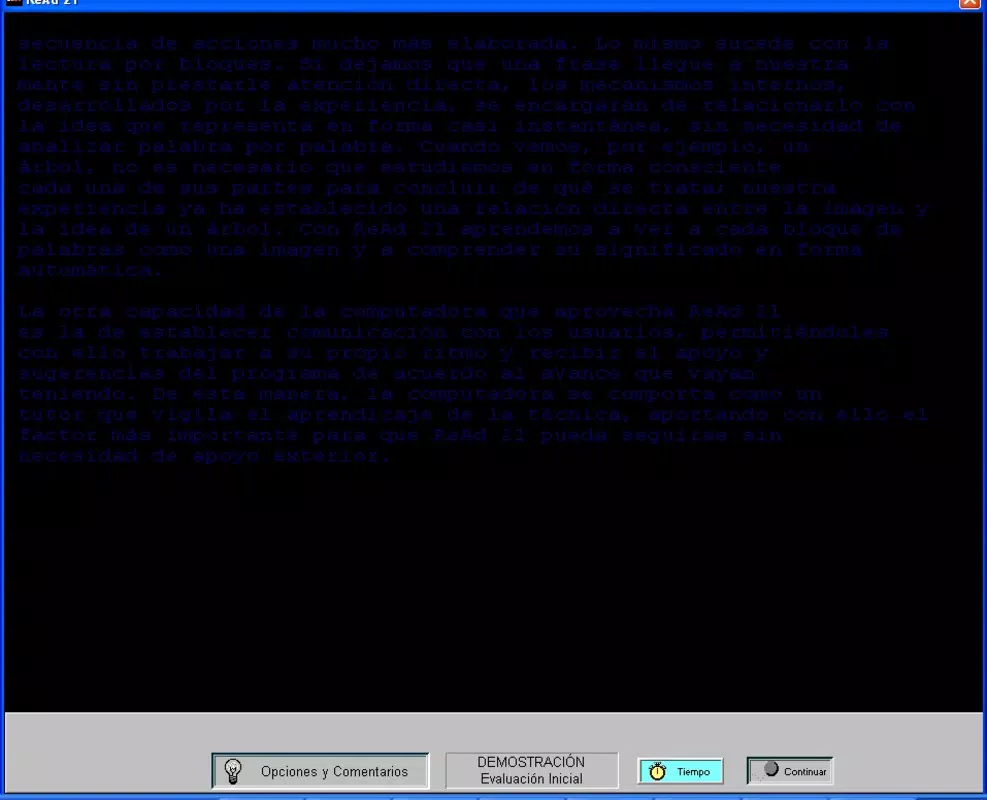
- Block-Reading Technique: This core method trains users to absorb multiple words or phrases simultaneously, reducing fixation time and improving overall reading flow. It is particularly effective for skimming, summarizing, and processing dense material quickly.
- Speed Assessment: The app begins with a diagnostic test that measures reading speed in words per minute, categorizing users into five proficiency levels. This baseline enables personalized goal-setting and progress tracking over time.
- Retention Exercises: These tasks require users to recall specific phrases or ideas from previously read passages, strengthening memory and reinforcing comprehension. They help bridge the gap between reading and retention, a critical component of effective learning.
- Visual Skills Development: Through targeted visual drills, ReAd 21 aims to improve peripheral awareness and eye muscle coordination. This training can lead to reduced eye strain and improved focus, especially during long reading sessions.
For example, a student preparing for exams might use the block-reading technique to review textbooks faster, while a professional could leverage retention exercises to better remember key points from reports. The structured progression ensures that users build skills incrementally, making the app suitable for both beginners and those with intermediate reading habits.
Interface, UX & Performance
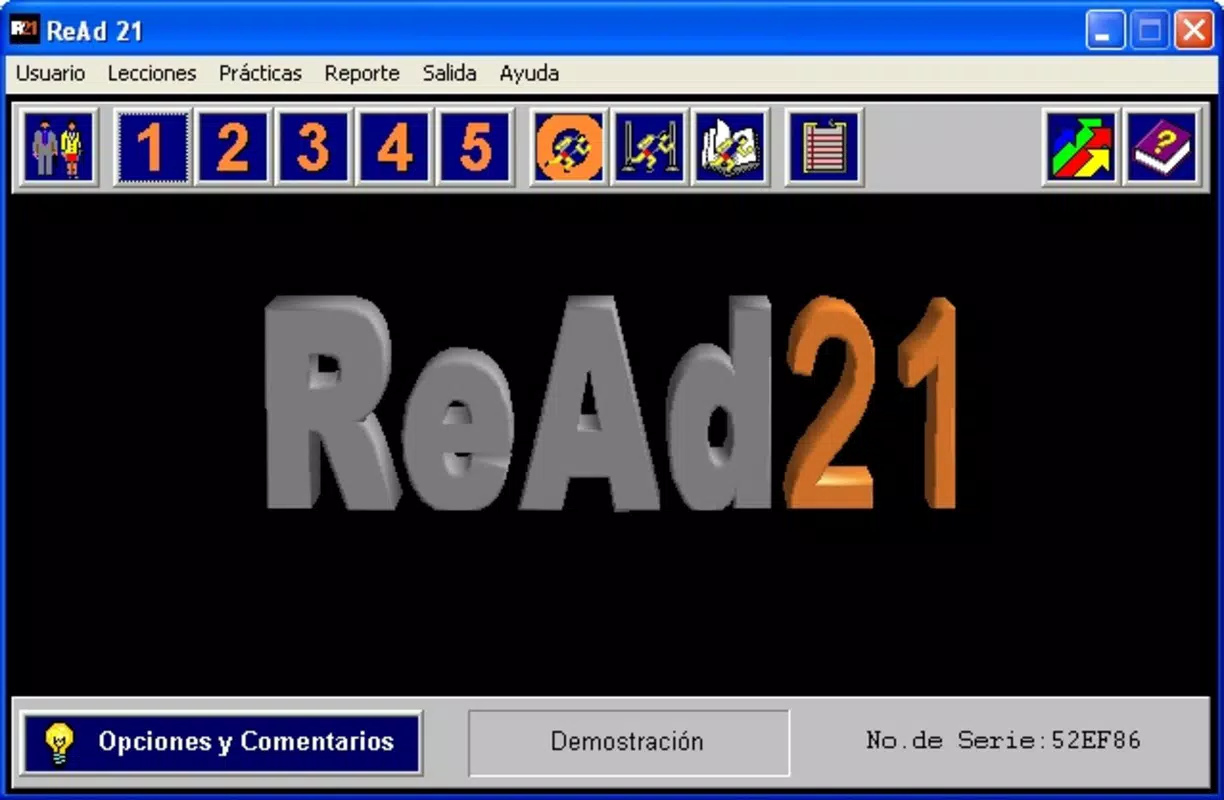
The user interface of ReAd 21 appears to prioritize functionality over visual flair, focusing on clarity and ease of navigation. The layout is likely minimalistic, with clear access to exercises, assessments, and progress tracking. Users can expect straightforward menus and intuitive controls, allowing them to move between sections without confusion.
Navigation is designed to support a linear learning path, guiding users through levels of increasing difficulty. The app likely uses visual cues and feedback to indicate progress, such as color-coded indicators or milestone badges. This design supports motivation and helps users stay engaged over time.
Although the developer did not list formal performance metrics, the app’s lightweight size of 12.8 MB suggests efficient resource usage. It is expected to run smoothly on a wide range of Android devices, including older models. Responsiveness and stability are likely maintained through consistent code optimization, though specific benchmarks were not disclosed. The app’s long availability on the platform indicates sustained reliability across device generations.
Platform Compatibility & Technical Requirements
ReAd 21 is available exclusively on the Android platform. The current version is 1.0.1, with a file size of 12.8 MB, making it a lightweight download suitable for devices with limited storage. The app is designed to function on Android operating systems, though specific minimum OS requirements were not listed by the developer.
Users should ensure their device meets basic Android compatibility standards to install and run the application. The absence of detailed technical specifications means that compatibility with newer or older Android versions remains uncertain without testing. However, the app’s longevity since 2008 suggests broad backward compatibility across multiple Android releases.
Pros and Cons
- Offers a structured, science-backed approach to reading improvement
- Focuses on both speed and comprehension through practical exercises
- Includes speed assessment and retention tracking for measurable progress
- Lightweight size (12.8 MB) ensures easy installation on most devices
- Long-standing presence on Android indicates reliability and stability
- Price of $1.99 may be considered high for a simple utility app
- No information on iOS or other platform availability
- Developer did not provide details on system requirements or device compatibility
- Limited visual design elements may feel outdated to some users
- No visible integration with cloud sync or cross-device progress tracking
FAQ
Is ReAd 21 safe to download and install?
Yes, ReAd 21 is available through official Android channels and has been verified as secure. The app does not require excessive permissions and operates within standard app security protocols.
Can I use ReAd 21 on iOS devices?
The developer has not released the app for iOS. It is currently available only on Android.
How often should I use ReAd 21 to see results?
Consistent use, such as 10–15 minutes daily, is recommended for optimal improvement in reading speed and comprehension.
Does ReAd 21 require an internet connection?
The app functions offline, allowing users to complete exercises and assessments without an active internet connection.
Is there a free version of ReAd 21 available?
Currently, the app is available as a paid download for $1.99. There is no free version or trial period mentioned by the developer.
Final Thoughts
ReAd 21 stands out as a dedicated tool for individuals committed to improving their reading efficiency through targeted visual and cognitive training. Its emphasis on block reading, retention, and peripheral vision development offers a unique approach within the education category. While the interface may appear dated and the price point slightly elevated, the app delivers tangible value for users seeking measurable progress in reading speed and comprehension.
It is particularly well-suited for students, professionals, and self-learners who spend significant time reading complex materials. The app’s long history and consistent functionality suggest it remains a reliable resource in the digital learning landscape. For those serious about mastering the art of efficient reading, ReAd 21 provides a focused, practical solution.
Download ReAd 21 now


